
SIAC at your workstation
The agent installs where you already work: the computer, the browser and the Office apps. The same policy signed by your organization and the same ledger in all of them.
The desktop agent
It isn't a chat: it starts with the system, works on your authorized files and builds the documents on your own machine.
The published version, its date and the fingerprint of every file are on the downloads page. They are written automatically on publish, so they cannot lie.
Inside Office and the browser
The add-ins install from the same page. If your organization deploys them centrally, your administrator does it once for everyone.
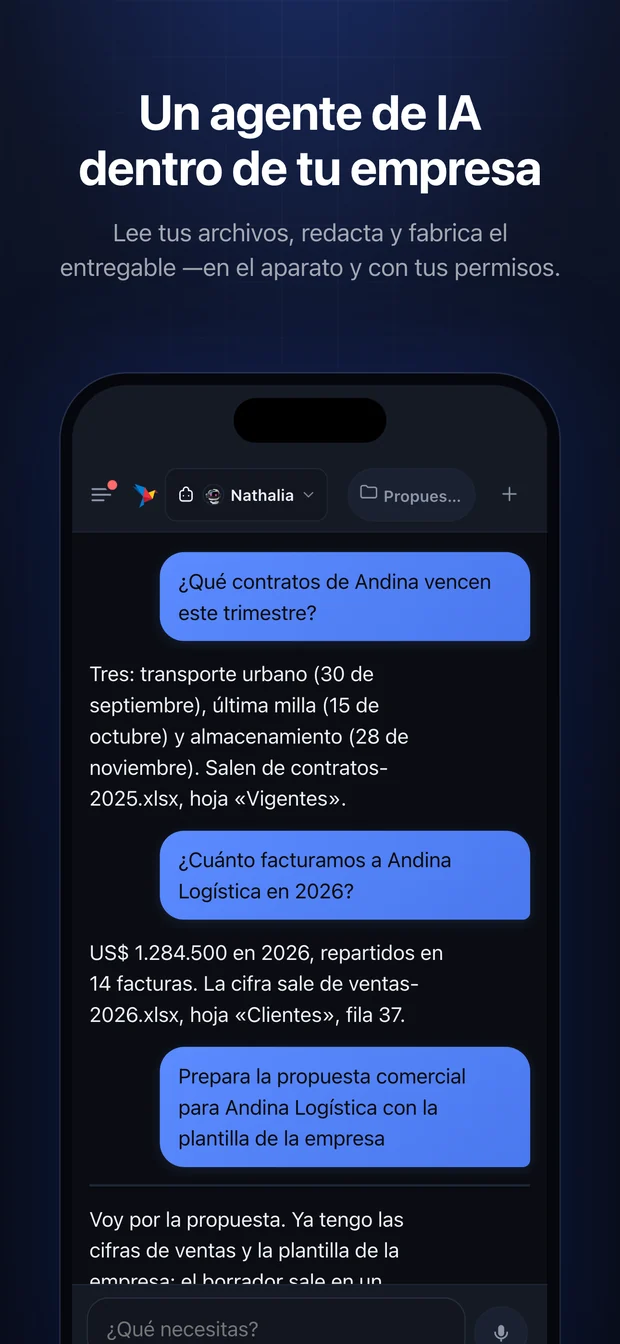
SIAC Agent Mobile
The same agent, in your pocket: it receives the assignments the company gives your role, solves what can be solved from there, and asks before any action that leaves the device.
- The session opens with your face or your fingerprint. The password is never stored.
- A new device doesn't get in on its own: an administrator of your organization recognizes it.
- It installs from your phone's store once your company enables it.
Not yet published in the stores. If you want to join the first group of organizations, write to us.
Central deployment in Microsoft 365, the silent Windows installer and the signed policy are documented in their manuals (in Spanish).